

 Dr. Gregg Condon, MMR/photos by the author except as noted
Formal operating sessions are for many of us the high point of model railroading. Our layouts come alive in a realistic portrayal of railroading. Operations can be a time-machine, a business simulation, and historical re-enactment. But how far do we go in simulating prototype railroading? For each of us, the extent to which we precisely duplicate prototype practice is a personal choice. Where do we draw the line between accurate railroading and practice that is close-enough railroady? For me, I like to duplicate enough of the paperwork for crews to handle so they get the flavor of timetable and train order (TT&TO) railroading. Thus, I use timetable, “19” train order, Clearance Form A, waybill, switch list, and message forms. But I don’t extend that “full flavor” experience to the dispatcher (DS). Why? Because to do the DS job prototypically, the DS should be in an isolated room where none of the action is visible. The “pure” DS role is to know every-thing and see nothing, and it’s a full-time job. I’m the DS on my layout, and I want more out of an operating session.
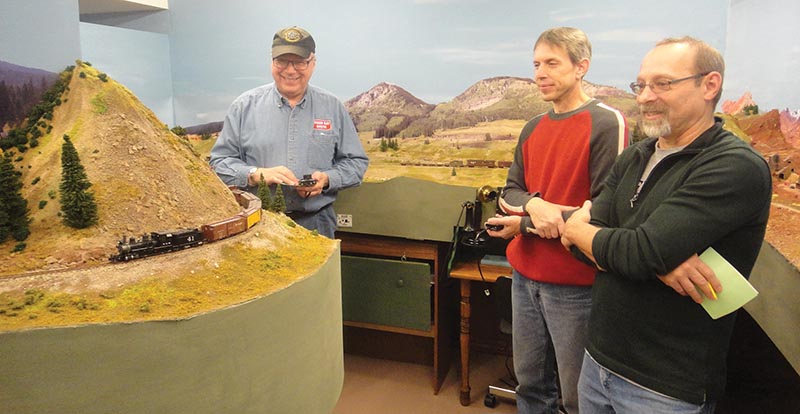
ABOVE: Here, a train with road engine and helper works up the 3 percent grade to Lizard Head. How did the dispatcher know who would run each engine?
When hosting an operating session I want to literally play “host” and ensure that everyone is having a quality experience. I roam the aisles listening to comments and reading facial expressions so that I can tweak the session to up the play value. I also play the role that Tony Koester calls, “Mobile One,” meaning “trouble shooter.” On rare occasions I take a throttle myself. Most of all, I’m out and about in the train room during an operating session so that I can play railfan on my own railroad. That is perhaps the chief reason I built the thing.
Purpose Of A Call Board
The crew call board on my Rio Grande Southern HOn3 layout serves a couple functions.
First of all, my call board takes the place of a paper train sheet. To maintain a train sheet, the DS needs to pretty much stay at the desk. My call board is a tool for very quickly keeping tabs on train progress.
Second, the call board displays the train lineup for the day. As I keep updating the board with train progress indicators, everyone at the session can take a glance at the board to see where we are in the session and to see who is up for the next train.
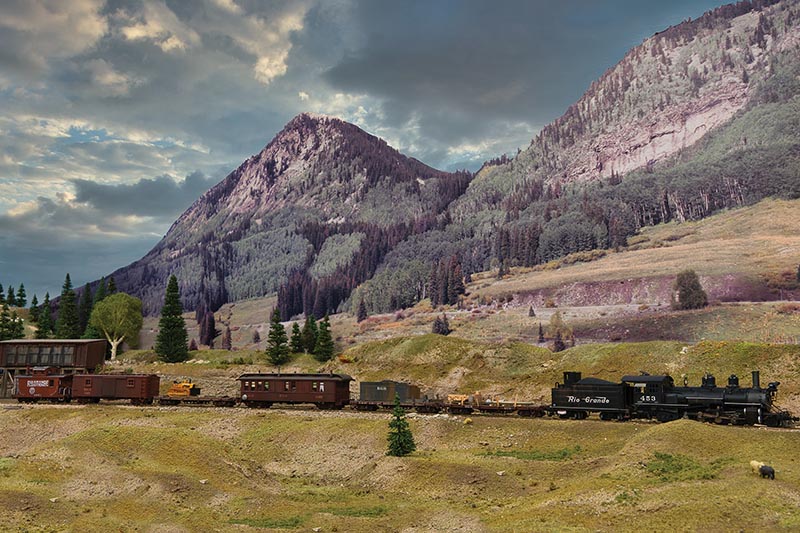
ABOVE: A glance at the call board tipped off the dispatcher to issue a “19 order” for a meet. Here work extra 453 is in the hole at Vance Junction. — Photo by Todd Condon.
Call Board in Action
Prior to an operating session I place magnetic chips indicating train names on the call board. This is the lineup. Next, I place magnetic chips indicating engine numbers next to their corresponding train names. I am portraying a low-train-density backwoods railroad, I try to have a maximum of three trains running at a time, and usually just two. Off-duty crew members can go to beans at the munchies table, play railfan, or serve as conductor on one of the trains that has much online work.
When I hand the paperwork to the crew, I place a magnetic X in the “on duty” column of the call board. An X is likewise placed in the “on duty” column as each train is called. When a train completes its run, the crew hands me their throttle and paperwork. I then go to the call board and move their X to the “off duty” column. That way, everyone can step to the door of the depot and view the call board to see which trains have completed their runs, which are running, which remain to start their run, and which will run next…